Loading...
Create a GPG key with subkeys — Part 1

Marco Franssen
8 min read•1538 words
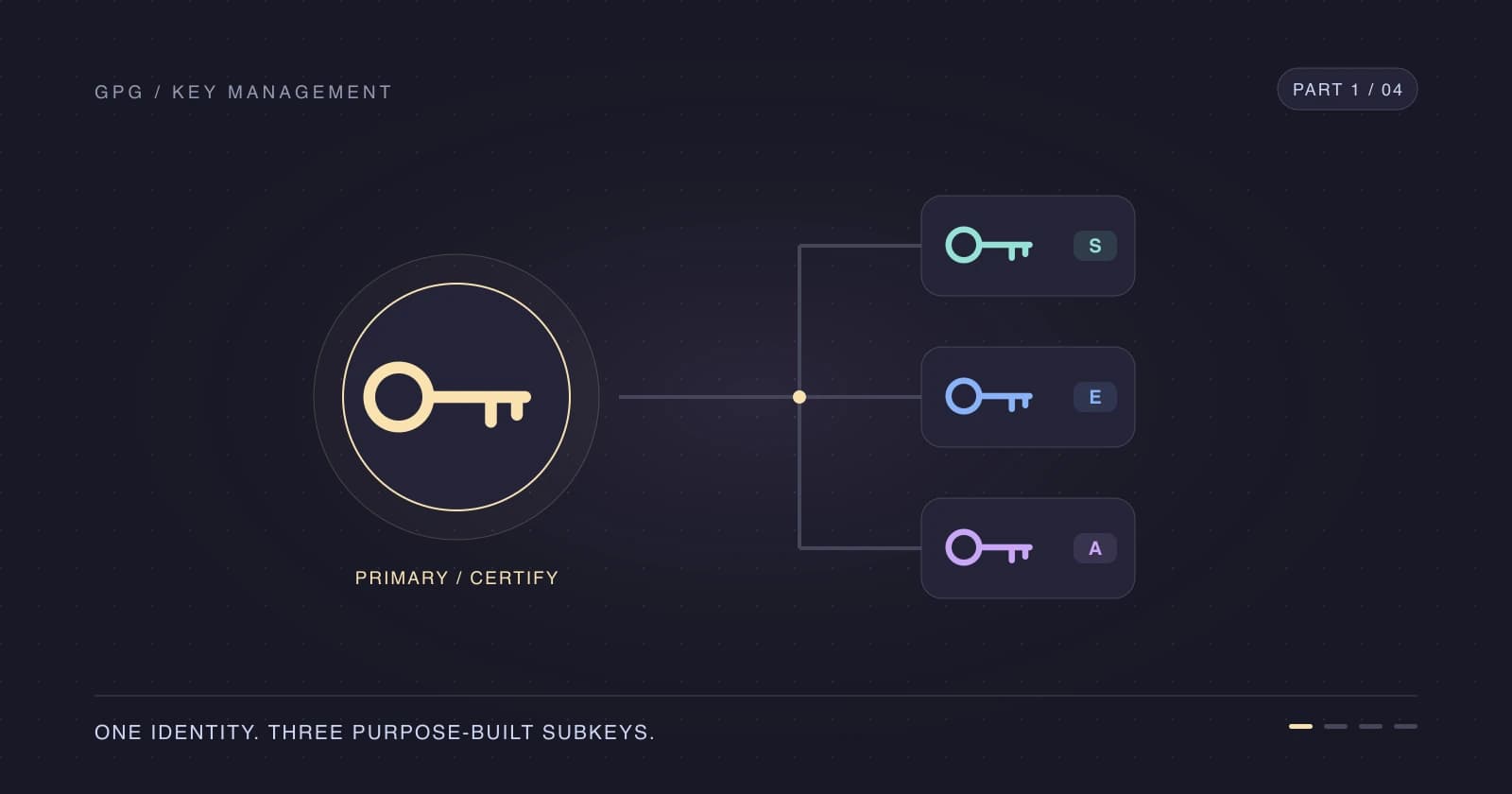
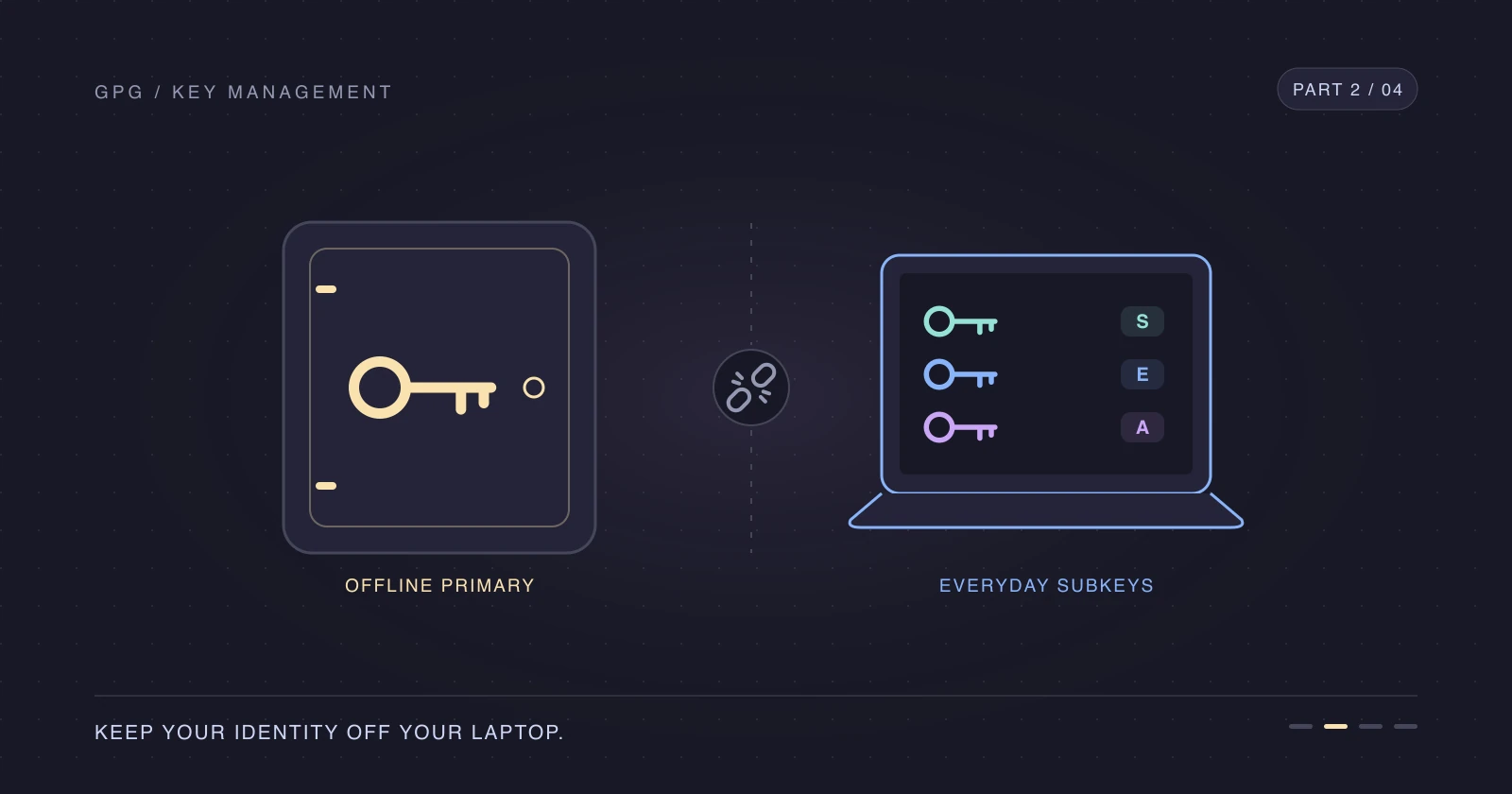
GPG subkeys let me keep the key that controls my identity away from my everyday laptop. Let's create one primary key that only certifies, with separate subkeys for signing, encryption, and authentication.
I set this up years ago, then forgot how to rotate the subkeys when their expiry came around. This series is the walkthrough I wanted to find in my own notes, and I hope it saves you the same search.
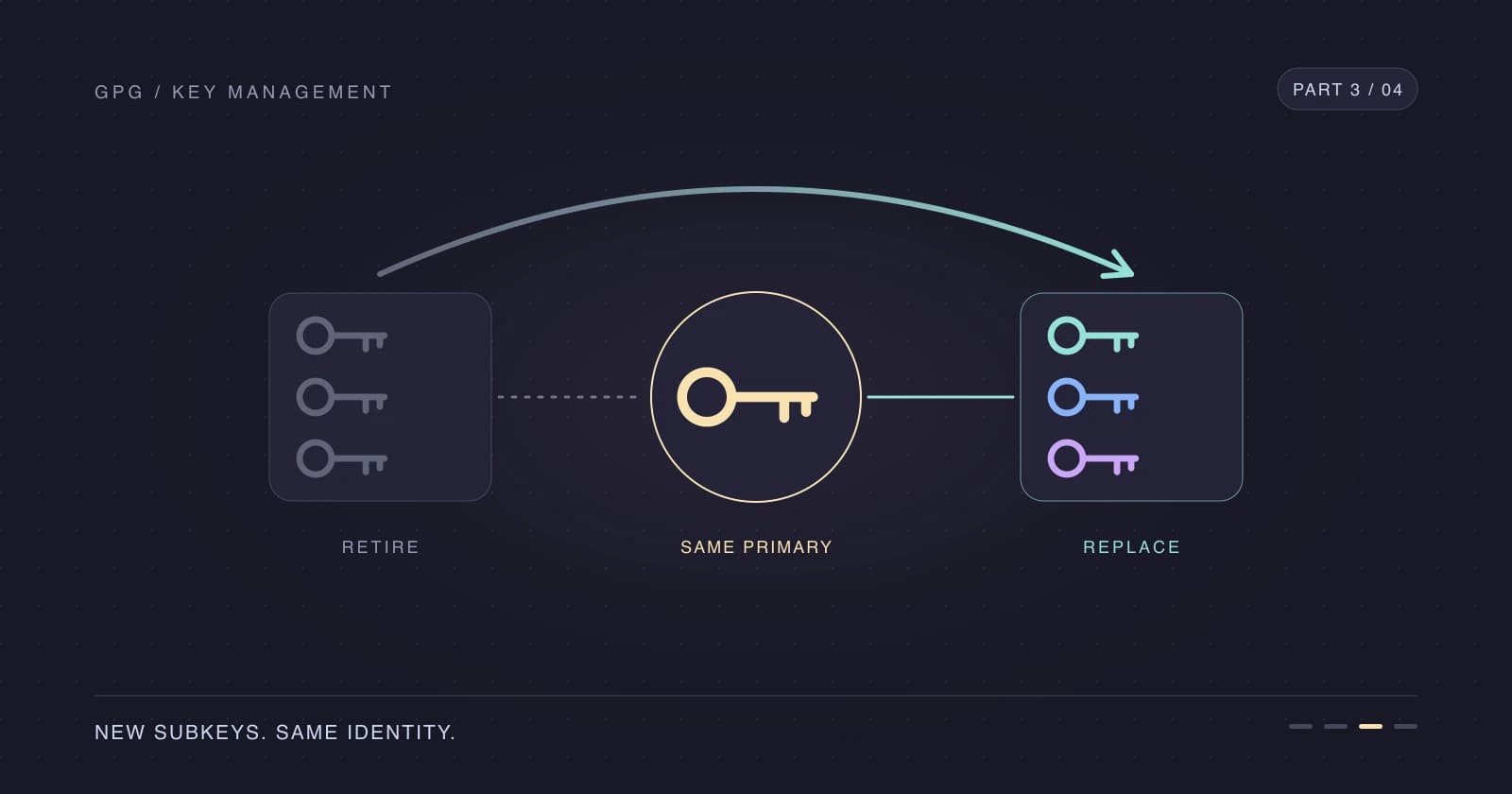
We'll create the keys in Part 1, move the primary key offline in Part 2, rotate the subkeys in Part 3, and automate that rotation in Part 4.
All examples use a throwaway key rather than my real identity.
Why use GPG subkeys
Why should your laptop carry the key that controls all your other keys?
| Capability | Flag | Used for | Lives on |
|---|---|---|---|
| Certify | [C] | Certify other keys, add subkeys and user IDs, change expiry | Offline primary key |
| Sign | [S] | Sign Git commits and tags | Laptop |
| Encrypt | [E] | Encrypt and decrypt files or mail | Laptop |
| Authenticate | [A] | Authenticate SSH connections | Laptop |
If someone steals my laptop, I can revoke or rotate its subkeys without replacing my primary fingerprint or rebuilding my web of trust. GitHub's existing persistent verification records survive too; we'll cover their scope in Part 3. This separation only helps if the primary secret key and its backups aren't left on the laptop.
Install GnuPG and pinentry
On macOS I use Homebrew for GnuPG and the graphical passphrase prompt, pinentry.
brew install gnupg pinentry-macFind the pinentry executable before configuring the agent. On my Apple Silicon Mac, the path is:
which pinentry-mac/opt/homebrew/bin/pinentry-macAdd that path to your agent configuration, preserving any existing settings. An Intel Mac or another package manager can use a different path.
pinentry-program /opt/homebrew/bin/pinentry-macOn Debian or Ubuntu, the gnupg package already pulls in a terminal pinentry, so you don't need a pinentry-program line.
sudo apt install gnupgAdd this to your shell configuration so GnuPG knows which terminal to use. I use Zsh; use your shell's startup file if it differs, and open a new terminal after editing it.
export GPG_TTY=$(tty)Create the certify-only primary key
I'll use Marco Franssen <marco.franssen@example.com> for personal work and Marco Franssen <marco.franssen@example.org> for work. These are demo addresses: replace both with your own before running the commands.
Let's create an Ed25519 primary key with only the certify capability and a two-year expiry. Choose a strong passphrase in the interactive prompt and store it safely.
gpg --quick-generate-key "Marco Franssen <marco.franssen@example.com>" ed25519 cert 2yI pass the algorithm explicitly because GnuPG defaults change between versions. cert means certify only, and 2y sets the expiry; you can extend that expiry later while the primary secret key is available.
Set FPR from the machine-readable listing instead of copying a fingerprint by hand. Use your personal email in this lookup, and check that it selects the identity you intended if you already have other keys for that address.
FPR=$(gpg --list-keys --with-colons marco.franssen@example.com | awk -F: '/^fpr:/ { print $10; exit }')Throughout the series, FPR means the primary fingerprint, SIGNING_FPR, ENCRYPTION_FPR, and AUTH_FPR mean the subkey fingerprints, and BACKUP_DIR means a private temporary backup directory. Shell variables don't survive a new terminal, so run the lookup again when resuming.
Add a second email address
The primary key certifies both email identities. Add the work address to the same key rather than generating a second primary key.
gpg --quick-add-uid "$FPR" "Marco Franssen <marco.franssen@example.org>"For Git's folder-based identity selection, see Configure multiple Git commit email addresses by folder. Having both addresses on the key doesn't choose your commit email for you.
Add signing, encryption and authentication subkeys
Let's give each daily task its own subkey. Ed25519 handles signing and authentication, while Curve25519 handles encryption.
gpg --quick-add-key "$FPR" ed25519 sign 1y
gpg --quick-add-key "$FPR" cv25519 encr 1y
gpg --quick-add-key "$FPR" ed25519 auth 1y
The one-year expiry gives me a yearly rotation rhythm. It's also the reason Part 3 exists: future me needs a repeatable procedure, not another afternoon of rediscovering commands.
Inspect your key
Check the capabilities, expiry dates, and full fingerprints before going further.
gpg --list-secret-keys --keyid-format long --with-subkey-fingerprint "$FPR"sec ed25519/0AAF72D273F2B77B 2026-11-01 [C] [expires: 2028-10-31]
4AD3F5551B8271661AE4197A0AAF72D273F2B77B
uid [ unknown] Marco Franssen <marco.franssen@example.org>
uid [ultimate] Marco Franssen <marco.franssen@example.com>
ssb ed25519/99056C3A5CBEB571 2026-11-01 [S] [expires: 2027-11-01]
0C3FE4F5210B35E09BB91FAC99056C3A5CBEB571
ssb cv25519/558EBFABFA80F6F6 2026-11-01 [E] [expires: 2027-11-01]
1D284FEB08E9A35B9D9D0699558EBFABFA80F6F6
ssb ed25519/496909F86C4564E1 2026-11-01 [A] [expires: 2027-11-01]
4BE4FF9E58BDD96EE7D6F5F7496909F86C4564E1secis the primary secret key;ssbidentifies a secret subkey.[C],[S],[E], and[A]are the capabilities from the table above.- The hexadecimal suffix after the algorithm is a long key ID; the full line below it is the fingerprint, which we use for unambiguous selection.
[ultimate]is GnuPG's local trust assessment for my own identity, not proof that someone else verified it; the newly added UID can initially show[unknown]until the trust database is refreshed.
GnuPG treats the most recently added user ID as primary unless you mark one explicitly, which is why the work address is listed first. It also appears first in signature output. If you'd rather lead with your personal address, run the following while the primary secret key is available; the outputs in this series keep the default order.
gpg --quick-set-primary-uid "$FPR" "Marco Franssen <marco.franssen@example.com>"For shell variables, use the fpr record following each ssb record in --with-colons output. These lookups select the signing, encryption, and authentication subkeys respectively; they assume the single set we created above, not a key that has already been rotated.
SIGNING_FPR=$(gpg -K --with-colons "$FPR" | awk -F: '$1=="ssb" {cap=$12} $1=="fpr" && cap=="s" {print $10; exit}')
ENCRYPTION_FPR=$(gpg -K --with-colons "$FPR" | awk -F: '$1=="ssb" {cap=$12} $1=="fpr" && cap=="e" {print $10; exit}')
AUTH_FPR=$(gpg -K --with-colons "$FPR" | awk -F: '$1=="ssb" {cap=$12} $1=="fpr" && cap=="a" {print $10; exit}')
Compare the selected fingerprints with the lines below [S], [E], and [A] in your listing. Don't copy my demo fingerprints into your configuration.
Keep the revocation certificate
GnuPG automatically creates a revocation certificate under ~/.gnupg/openpgp-revocs.d/, named after the primary fingerprint with a .rev extension. The backup commands below include this certificate.
This certificate is for losing or compromising the primary key, not for routine subkey rotation. Keep it protected: someone with the certificate can revoke your identity even without your passphrase.
Back up your keys
Before removing anything, export the full secret key, public key, ownertrust, and revocation certificate. umask 077 keeps newly created files private to your account.
umask 077
BACKUP_DIR=$(mktemp -d "$HOME/gpg-backup.XXXXXX")
gpg --armor --output "$BACKUP_DIR/secret-keys.asc" --export-secret-keys "$FPR"
gpg --armor --output "$BACKUP_DIR/public-key.asc" --export "$FPR"
gpg --export-ownertrust > "$BACKUP_DIR/ownertrust.txt"
cp ~/.gnupg/openpgp-revocs.d/"$FPR".rev "$BACKUP_DIR/"
Store at least two protected copies, for example a password manager attachment and encrypted offline media. Never commit these files to Git or leave them in a cloud-synced plaintext folder. The secret-key export retains your key's passphrase protection, so store that passphrase safely and separately too.
This directory is a staging area, not an offline backup while it remains on your laptop. In Part 2 we'll check the export, verify the stored copy is accessible, and remove the local primary secret key and staging copy.
Checklist
- Install GnuPG and configure pinentry and
GPG_TTY. - Create the certify-only Ed25519 primary key with your personal identity.
- Set
FPRfrom the colon-format listing and check the selected identity. - Add your work email as another user ID.
- Create the one-year signing, encryption, and authentication subkeys.
- Inspect the flags and populate the three subkey fingerprint variables.
- Locate and protect the primary-key revocation certificate.
- Export the keys and ownertrust, and store two protected backup copies with the passphrase stored separately.
In Part 2, we'll remove the primary key from the laptop, sign Git commits, and use the authentication subkey for SSH.
References
- GnuPG OpenPGP key management manual
- Configure multiple Git commit email addresses by folder
- Secure 2FA SSH and PGP using Krypton, my earlier take on commit signing
- Keep your primary GPG key offline — Part 2
- Rotate your GPG subkeys — Part 3
- Automate GPG subkey rotation — Part 4
Thanks for reading. See you in Part 2, with fewer secrets on the laptop.