Loading...
Keep your primary GPG key offline — Part 2

Marco Franssen
10 min read•1895 words
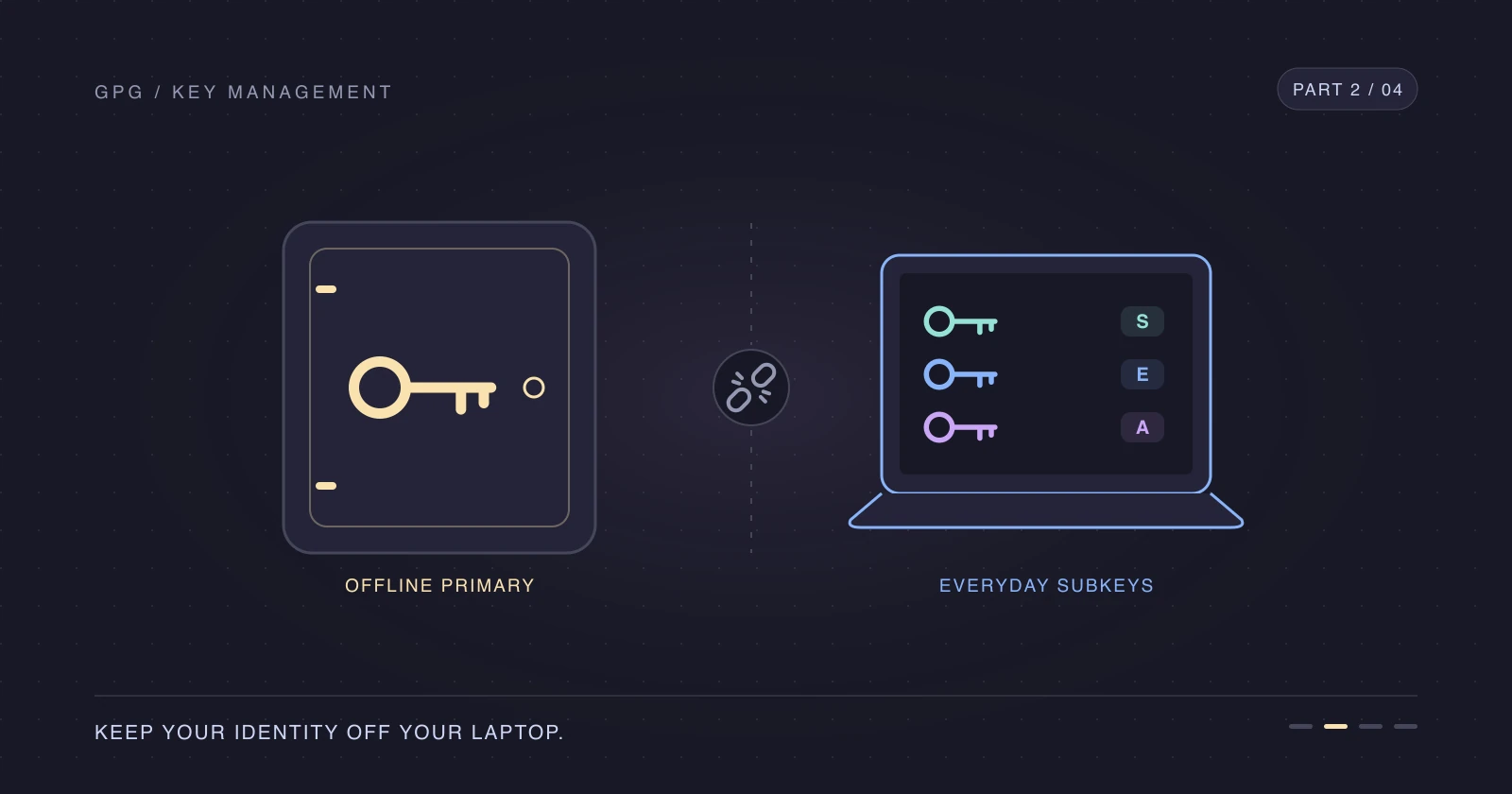
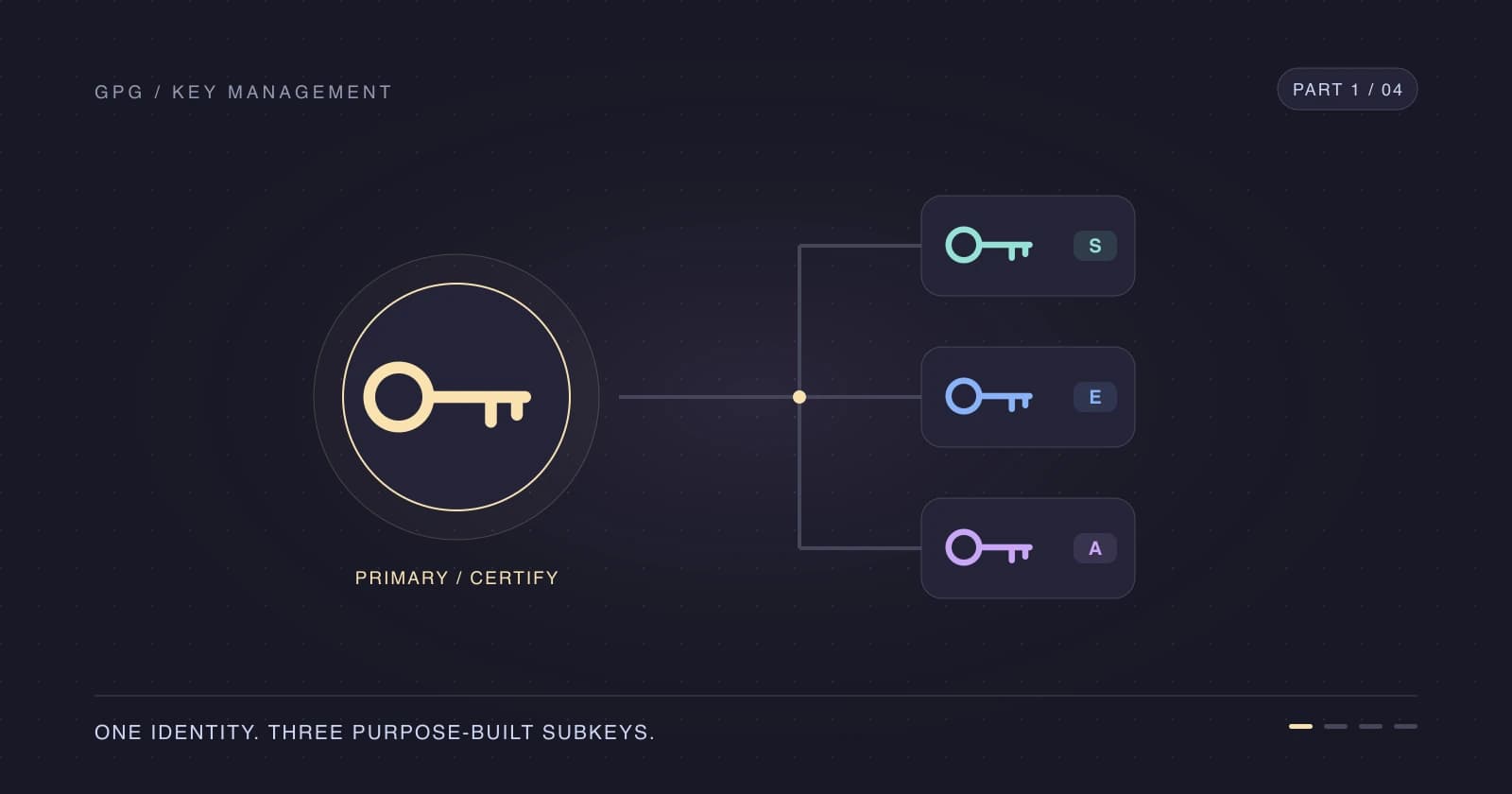
In Part 1, we created GPG subkeys but left the primary secret key on the laptop. Let's keep an offline primary GPG key while the subkeys continue signing Git commits, decrypting files, and authenticating SSH connections.
I want losing my laptop to mean replacing its daily-use keys, not replacing my entire identity. This is the point where our key layout starts paying off.
Outputs use the same throwaway identity as Part 1; use your own fingerprints and email addresses.
Keep the FPR, SIGNING_FPR, and BACKUP_DIR variables from Part 1 for the first steps. If you opened a new shell, repeat its fingerprint lookups and set BACKUP_DIR to your actual backup staging directory.
Remove the primary secret key from your laptop
Only do this after verifying the Part 1 backup and confirming that you can retrieve your protected offline copy and passphrase. Inspect the secret-key export, not only the public-key file.
gpg --show-keys "$BACKUP_DIR/secret-keys.asc"sec ed25519 2026-11-01 [C] [expires: 2028-10-31]
4AD3F5551B8271661AE4197A0AAF72D273F2B77B
uid Marco Franssen <marco.franssen@example.org>
uid Marco Franssen <marco.franssen@example.com>
ssb ed25519 2026-11-01 [S] [expires: 2027-11-01]
0C3FE4F5210B35E09BB91FAC99056C3A5CBEB571
ssb cv25519 2026-11-01 [E] [expires: 2027-11-01]
1D284FEB08E9A35B9D9D0699558EBFABFA80F6F6
ssb ed25519 2026-11-01 [A] [expires: 2027-11-01]
4BE4FF9E58BDD96EE7D6F5F7496909F86C4564E1The export must contain sec and all three ssb entries. This inspection checks the file's contents, not your ability to unlock it: a restore in a separate, trusted temporary GnuPG home is the stronger backup check. Don't delete your only usable copy to test a restore.
Now inspect the live key, including its keygrips. Keygrips identify the underlying private-key material to the agent; they are not the OpenPGP fingerprints we'll use for Git.
gpg --with-keygrip --list-secret-keys "$FPR"sec ed25519 2026-11-01 [C] [expires: 2028-10-31]
4AD3F5551B8271661AE4197A0AAF72D273F2B77B
Keygrip = C346E62FED4A74C614BE50E41C589CEAEA3375D1
uid [ unknown] Marco Franssen <marco.franssen@example.org>
uid [ultimate] Marco Franssen <marco.franssen@example.com>
ssb ed25519 2026-11-01 [S] [expires: 2027-11-01]
0C3FE4F5210B35E09BB91FAC99056C3A5CBEB571
Keygrip = F30797C314BEE13676FE46E5025643C4F8546965
ssb cv25519 2026-11-01 [E] [expires: 2027-11-01]
1D284FEB08E9A35B9D9D0699558EBFABFA80F6F6
Keygrip = 272D65CA0BD0198BA84FC5A40A8B32FA61F350FF
ssb ed25519 2026-11-01 [A] [expires: 2027-11-01]
4BE4FF9E58BDD96EE7D6F5F7496909F86C4564E1
Keygrip = FD0AD4641B2B265888B2904293396906C51E59DFLet's remove only the primary secret key. Keep the quoted !: it restricts deletion to that exact key instead of the whole secret-key family.
gpg --delete-secret-keys "$FPR!"
gpg --list-secret-keys --keyid-format long --with-subkey-fingerprint "$FPR"sec# ed25519/0AAF72D273F2B77B 2026-11-01 [C] [expires: 2028-10-31]
4AD3F5551B8271661AE4197A0AAF72D273F2B77B
uid [ unknown] Marco Franssen <marco.franssen@example.org>
uid [ultimate] Marco Franssen <marco.franssen@example.com>
ssb ed25519/99056C3A5CBEB571 2026-11-01 [S] [expires: 2027-11-01]
0C3FE4F5210B35E09BB91FAC99056C3A5CBEB571
ssb cv25519/558EBFABFA80F6F6 2026-11-01 [E] [expires: 2027-11-01]
1D284FEB08E9A35B9D9D0699558EBFABFA80F6F6
ssb ed25519/496909F86C4564E1 2026-11-01 [A] [expires: 2027-11-01]
4BE4FF9E58BDD96EE7D6F5F7496909F86C4564E1sec# means the primary secret material is unavailable. All three subkeys must still show ssb without #; stop if your listing differs.
Once the protected copies are verified, remove the Part 1 staging directory and any other full secret-key exports from the laptop. Otherwise the primary key is still recoverable locally and isn't offline. Removing files is not a guarantee of forensic erasure on SSDs or from filesystem snapshots; keep disk encryption enabled and account for backups that captured those files.
Check GPG capabilities without the primary key
The laptop still has useful private keys, but it no longer has authority to change the identity.
| You can | You can't |
|---|---|
Sign commits and tags with [S] | Add or rotate subkeys |
Encrypt to public keys and decrypt with [E] | Add user IDs or change expiry |
Authenticate SSH with [A] | Certify other people's keys |
Try adding another signing subkey to see the boundary. This command is expected to fail.
gpg --quick-add-key "$FPR" ed25519 sign 1ygpg: Secret parts of primary key are not available.
gpg: Key generation failed: No secret key
gpg: Key not changed so no update needed.That failure is the result we wanted. To change the key later, we'll temporarily restore the primary secret key from its protected backup.
Sign your Git commits with the signing subkey
Let's configure Git to use OpenPGP and the exact [S] fingerprint from Part 1. The trailing ! prevents GnuPG from choosing a different signing-capable key.
git config --global gpg.format openpgp
git config --global user.signingkey "${SIGNING_FPR}!"
git config --global commit.gpgsign true
git config --global tag.gpgSign true
Run the next commands inside a disposable Git repository with your user.name and user.email configured. The example below uses Marco Franssen and marco.franssen@example.com.
git commit --allow-empty -m "Test signed commit"[master (root-commit) 4066aa6] Test signed commitgit log -1 --show-signaturecommit 4066aa66bf7e2833c41d0aaac5890af516f3ffea
gpg: Signature made Sun Nov 1 20:16:28 2026 CET
gpg: using EDDSA key 0C3FE4F5210B35E09BB91FAC99056C3A5CBEB571
gpg: Good signature from "Marco Franssen <marco.franssen@example.org>" [unknown]
gpg: aka "Marco Franssen <marco.franssen@example.com>" [ultimate]
Author: Marco Franssen <marco.franssen@example.com>
Date: Sun Nov 1 20:16:28 2026 +0100
Test signed commitLook for Good signature and the fingerprint of your signing subkey. A repository-local config or an includeIf file can override user.signingkey; see Configure multiple Git commit email addresses by folder if different folders use different identities.
Add your GPG key to GitHub
Export the whole public key, including all its subkeys. Only public material belongs on GitHub.
gpg --armor --export "$FPR" > public-key.asc
gh auth refresh -h github.com -s admin:gpg_key
gh gpg-key add public-key.asc --title "Marco GPG"
These commands assume the GitHub CLI is installed and you're signed in to the intended account. The admin:gpg_key OAuth scope allows managing GPG keys, including the replacement we'll do in Part 3.
Prefer the web UI? Copy the public key, then paste it into GitHub SSH and GPG key settings as a new GPG key.
pbcopy < public-key.ascVerify both email addresses on GitHub, and make sure your commit email matches one of them. Adding a GPG key to your GitHub account covers the account-side requirements.
Use the authentication subkey for SSH
Add SSH support to the agent configuration alongside your existing pinentry setting.
enable-ssh-supportList the keygrips and find the one under the [A] subkey, not the [C] primary key or [S] signing subkey.
gpg --with-keygrip -K "$FPR"sec# ed25519 2026-11-01 [C] [expires: 2028-10-31]
4AD3F5551B8271661AE4197A0AAF72D273F2B77B
Keygrip = C346E62FED4A74C614BE50E41C589CEAEA3375D1
uid [ unknown] Marco Franssen <marco.franssen@example.org>
uid [ultimate] Marco Franssen <marco.franssen@example.com>
ssb ed25519 2026-11-01 [S] [expires: 2027-11-01]
0C3FE4F5210B35E09BB91FAC99056C3A5CBEB571
Keygrip = F30797C314BEE13676FE46E5025643C4F8546965
ssb cv25519 2026-11-01 [E] [expires: 2027-11-01]
1D284FEB08E9A35B9D9D0699558EBFABFA80F6F6
Keygrip = 272D65CA0BD0198BA84FC5A40A8B32FA61F350FF
ssb ed25519 2026-11-01 [A] [expires: 2027-11-01]
4BE4FF9E58BDD96EE7D6F5F7496909F86C4564E1
Keygrip = FD0AD4641B2B265888B2904293396906C51E59DFAppend your authentication keygrip to ~/.gnupg/sshcontrol, one keygrip per line, preserving entries for any other keys you already use. In the listing above, that keygrip is FD0AD4641B2B265888B2904293396906C51E59DF; use the value from your own listing.
You can extract the matching keygrip from the colon listing using the AUTH_FPR selected in Part 1. Run the append once to avoid duplicate entries.
AUTH_GRIP=$(gpg -K --with-colons --with-keygrip "$FPR" | awk -F: -v f="$AUTH_FPR" '$1=="fpr" {selected=($10==f)} $1=="grp" && selected {print $10; exit}')
printf '%s\n' "$AUTH_GRIP" >> ~/.gnupg/sshcontrol
Configure Zsh to use the GnuPG agent's SSH socket instead of the usual SSH agent. Keep one GPG_TTY assignment if you already added it in Part 1.
export GPG_TTY=$(tty)
export SSH_AUTH_SOCK=$(gpgconf --list-dirs agent-ssh-socket)
gpgconf --launch gpg-agent
gpg-connect-agent updatestartuptty /bye > /dev/null
Open a new terminal to load these variables, then restart the agent to read its configuration and check the offered key.
gpgconf --kill gpg-agent
gpgconf --launch gpg-agent
ssh-add -Lssh-ed25519 AAAAC3NzaC1lZDI1NTE5AAAAIDk45TVhTMABFob8OYY6v4kHI9Svgj1a2qMPvY6qHWE1 (none)The (none) comment is normal: the agent can list a key without a descriptive label. If you see an old agent's keys, check that SSH_AUTH_SOCK still points to the socket reported by gpgconf.
Export the SSH public key and add it to GitHub as an authentication key. GitHub's admin:public_key scope covers SSH key management, including deleting the old key during rotation.
gpg --export-ssh-key "$FPR" > id_gpg.pub
gh auth refresh -h github.com -s admin:public_key
gh ssh-key add id_gpg.pub --title "Marco GPG auth subkey"
ssh -T git@github.com
Testing your SSH connection to GitHub shows the successful response below. The greeting uses your GitHub username, and a successful authentication test still exits with status 1 because GitHub doesn't provide shell access.
Hi USERNAME! You've successfully authenticated, but GitHub does not provide shell access.For regular SSH keys rather than a GPG authentication subkey, see Upgrade your SSH security with RSA and Ed25519 keys. OpenPGP expiry isn't encoded into an exported SSH public key, so remove retired authentication keys from GitHub and servers during rotation.
Test encryption and decryption
Let's prove that removing the primary secret key didn't take away file decryption. GnuPG selects the valid encryption subkey belonging to the recipient fingerprint.
printf 'Hello subkeys\n' | gpg --armor --encrypt --recipient "$FPR" | gpg --decryptgpg: encrypted with cv25519 key, ID 558EBFABFA80F6F6, created 2026-11-01
"Marco Franssen <marco.franssen@example.org>"
Hello subkeysPublish your public key
This step is optional. If you want other people to discover your public key, send it to keys.openpgp.org.
gpg --keyserver hkps://keys.openpgp.org --send-keys "$FPR"The server only publishes email user IDs after you complete its email verification process. Uploading the key doesn't verify the addresses automatically.
Checklist
- Inspect the full secret-key backup and confirm the protected offline copies and passphrase are retrievable.
- Remove only
"$FPR!"and confirmsec#with all three secret subkeys still available. - Remove full-key staging exports from the laptop after checking the offline copies.
- Configure Git to use
"${SIGNING_FPR}!"and verify a signed commit in a disposable repository. - Add the full public key to GitHub and verify the matching commit email addresses.
- Enable the agent's SSH support and add the authentication keygrip to
sshcontrol. - Configure
SSH_AUTH_SOCK, reload the agent, and checkssh-add -L. - Register the SSH public key on GitHub and test authentication and local file decryption.
- Optionally publish the public key and complete the keyserver's email verification.
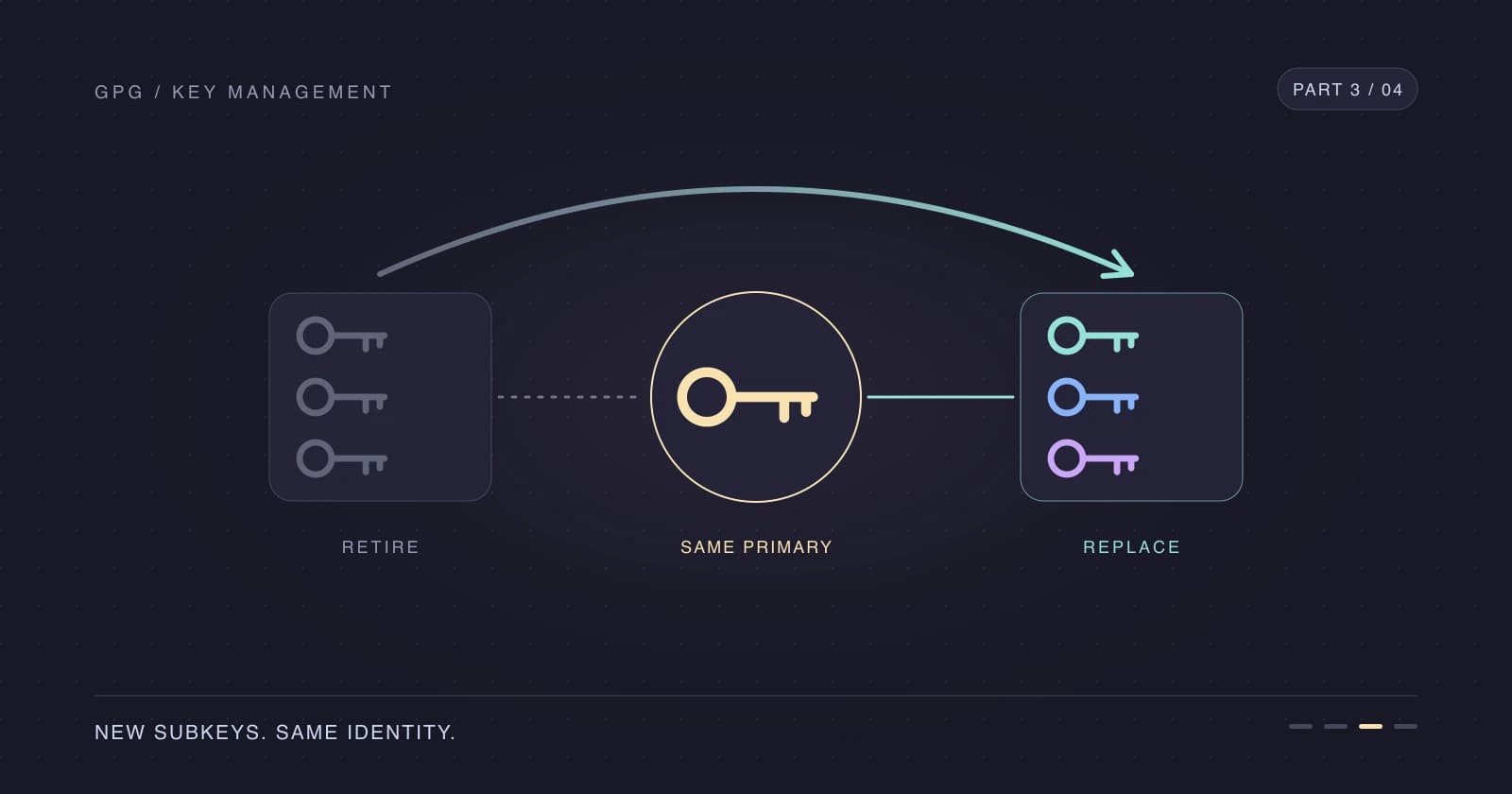
In Part 3, we'll rotate the subkeys while keeping the primary fingerprint and move the primary key offline again.
References
- Create a GPG key with subkeys — Part 1
- Rotate your GPG subkeys — Part 3
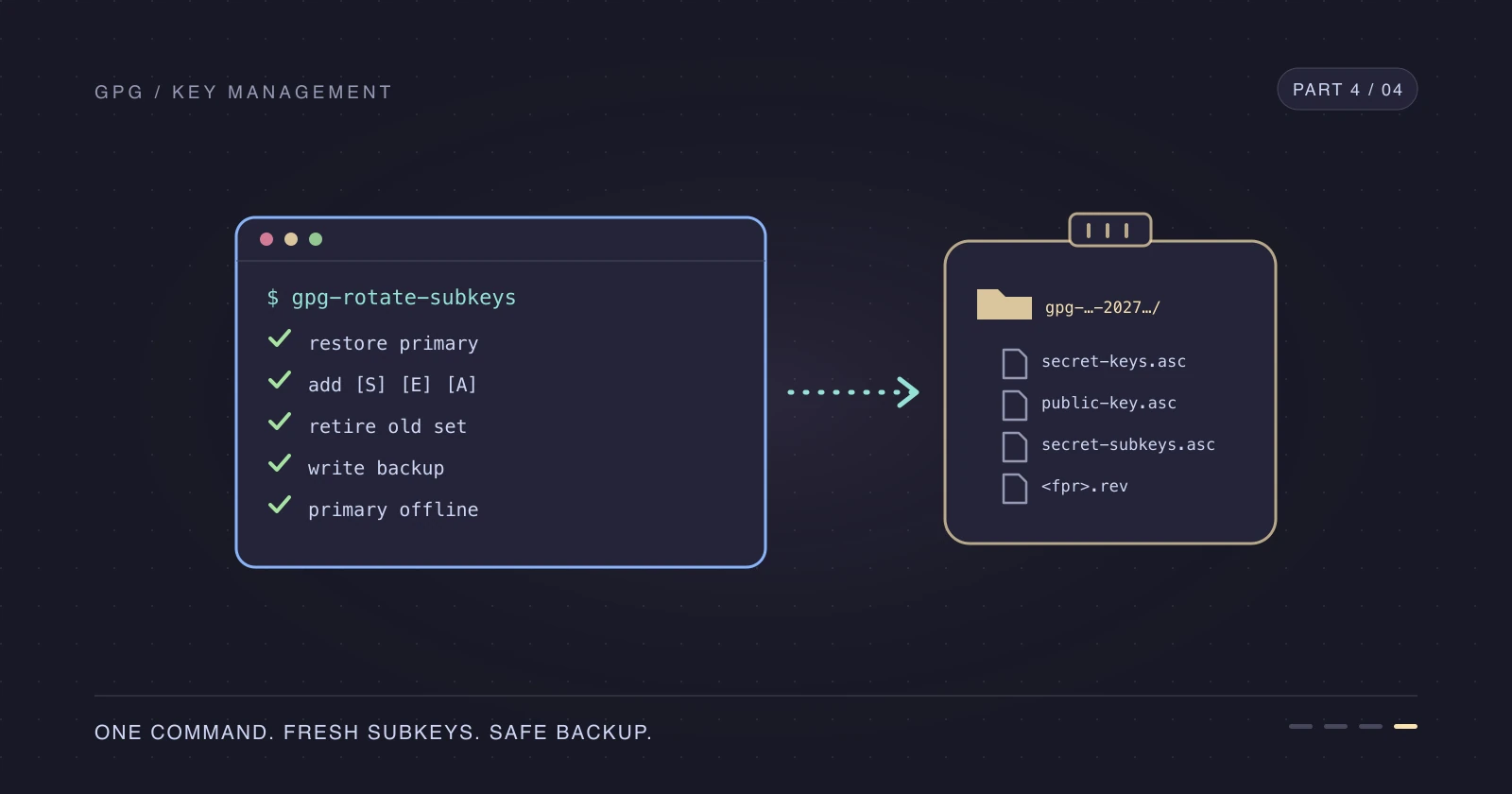
- Automate GPG subkey rotation — Part 4
- Adding a GPG key to your GitHub account
- GitHub SSH and GPG key settings
- GitHub OAuth scopes
- Testing your SSH connection to GitHub
- GnuPG agent options manual
- keys.openpgp.org
- Configure multiple Git commit email addresses by folder
- Upgrade your SSH security with RSA and Ed25519 keys
Thanks for reading. Enjoy signing and connecting without carrying your primary secret key around.